Whether you're managing delivery fleets, corporate vehicles, or any car-dependent business, visibility over daily operations is crucial. That’s where Route Playback becomes a game-changer.
With Locator.ae's GPS tracker system, you can view the complete journey history of any vehicle — minute by minute. It’s more than just seeing where your cars have been. This feature helps identify unnecessary detours, long stops, or inefficient routes — all of which impact fuel usage, time, and costs.
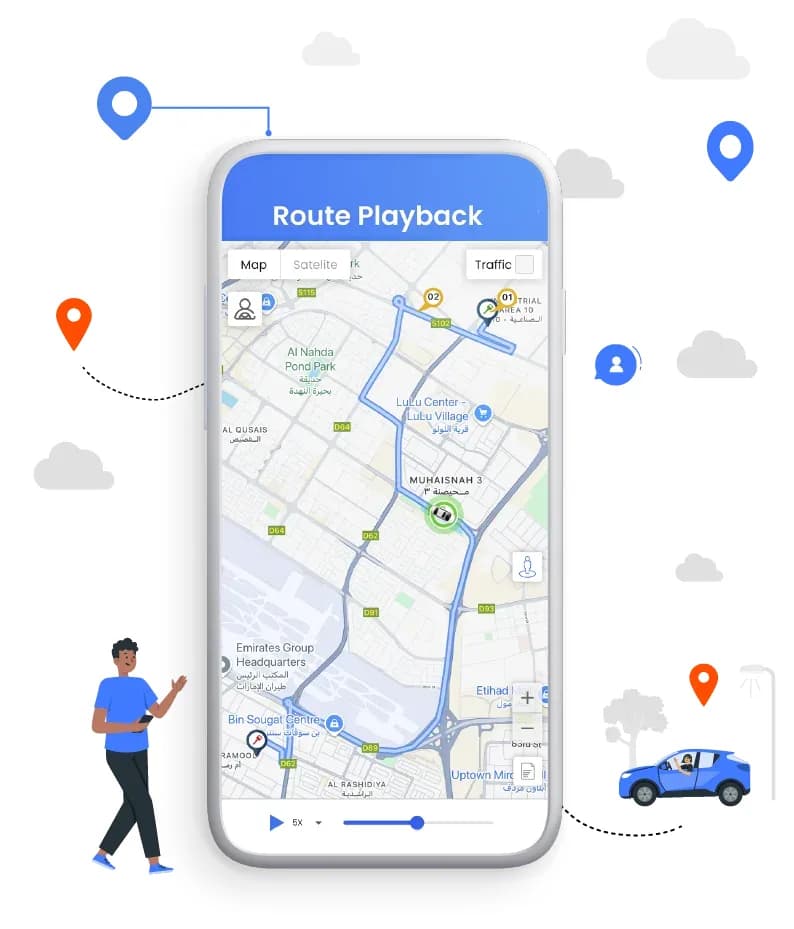
What is Route Playback and How Does It Benefit You?
Route Playback is a powerful feature within a car tracker system that visually replays a vehicle’s entire journey on a digital map. It shows where the vehicle traveled, how fast it was going, where it stopped, and the exact timing of each segment.
Key Benefits:
- Detect route deviations and optimize future travel paths
- Analyze delays to improve estimated time of arrival (ETA) accuracy
- Audit driver behavior and trip history for performance improvement
- Resolve delivery or service disputes using timestamped trip data
Quick Tip:
Use Route Playback to compare the planned route vs. actual route — it’s an easy way to identify inefficiencies and reduce unnecessary travel.
Driver Behavior Monitoring in Route Playback
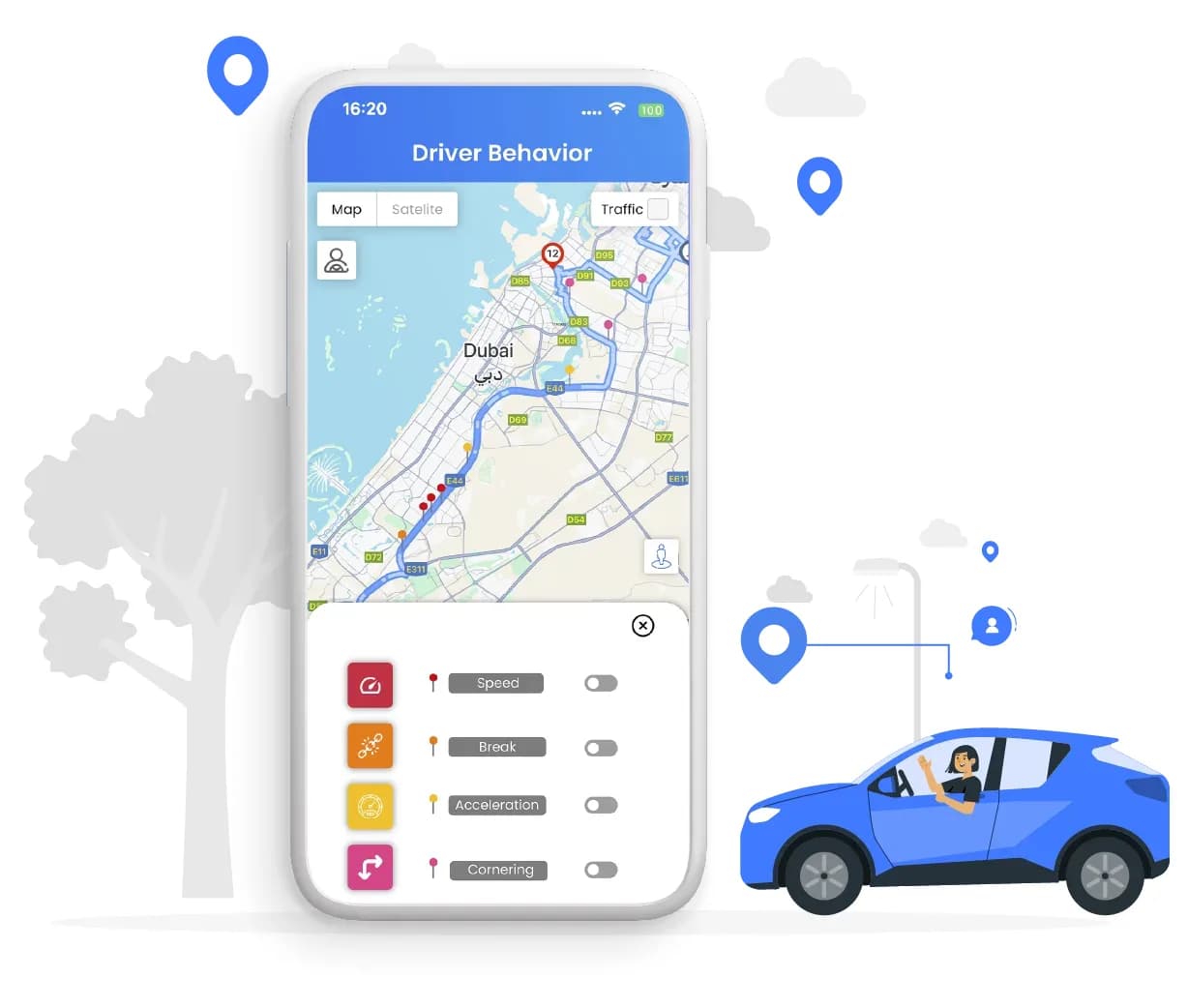
Driver behavior plays a critical role in fuel consumption, vehicle safety, and maintenance. With route playback from your car tracker, you can easily assess how each vehicle is being driven by tracking:
1. Speeding or Speed Limit Violations
Shows red pins on the map where the vehicle exceeded a set speed limit. You can also input a specific speed (e.g., 100 km/h), and the system will automatically highlight all route segments where that speed was crossed—displaying red markers at points like 100 km/h, 80 km/h, etc., for precise analysis.
2. Harsh Braking
Displays orange pins at points of sudden braking, helping identify aggressive stops that impact vehicle safety and maintenance.
3. Rapid Acceleration
Marks yellow pins where the vehicle accelerated sharply, indicating zones of potential fuel waste or engine strain.
4. Sharp Turns or Cornering
Highlights risky cornering behavior with pink pins, useful for spotting unsafe or erratic driving patterns.
Key Benefits:
- Enhance road safety by identifying risky behaviours
- Lower maintenance costs by reducing vehicle strain
- Encourage responsible driving through data-driven feedback
By monitoring driver actions through your GPS tracker, you not only protect your fleet — you also improve operational efficiency.
Pro Insight: Rewarding good drivers based on playback data encourages better habits across your fleet.
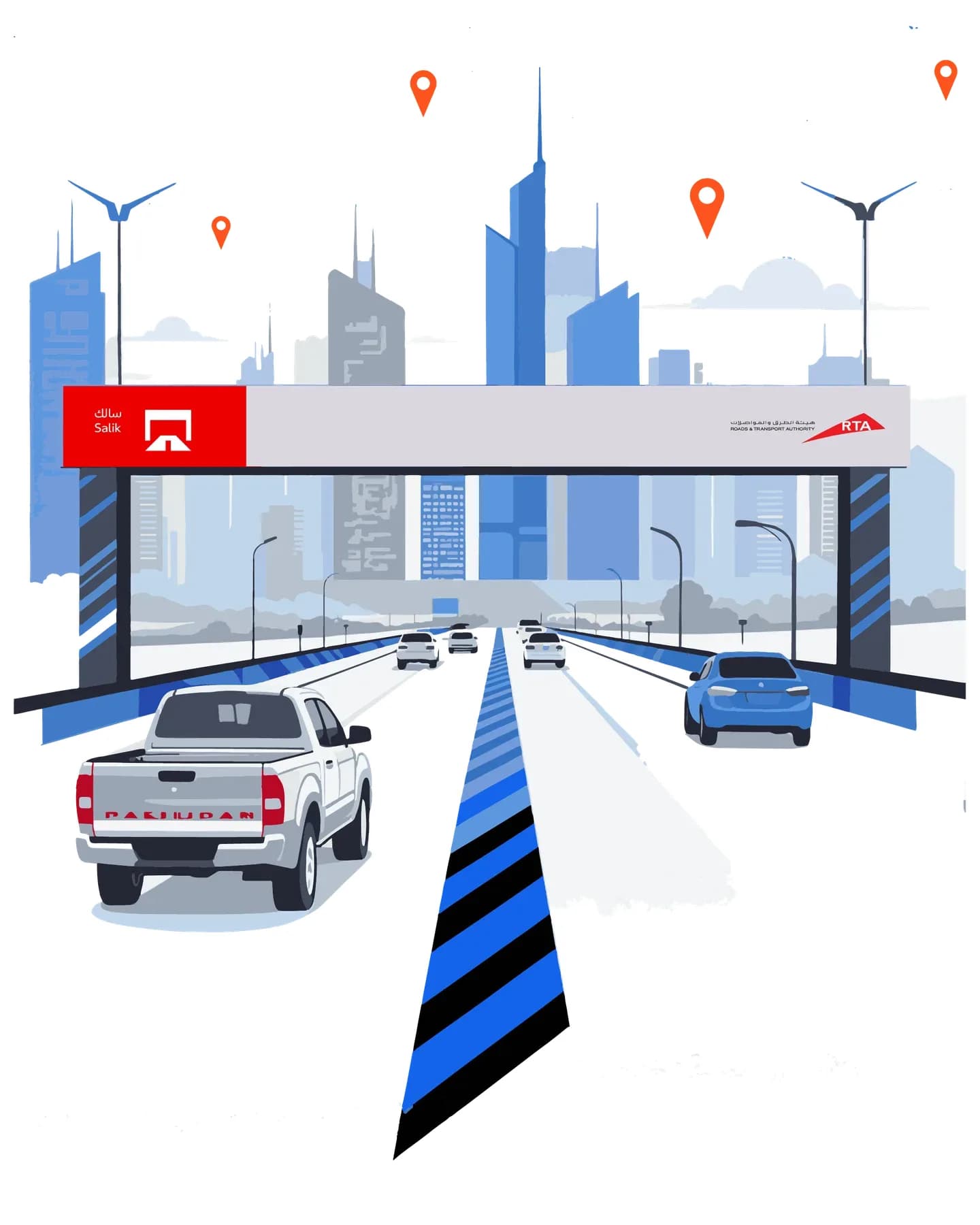
Toll Monitoring in Route Playback and Its Benefits
Toll detection, integrated within route playback, allows fleet managers to accurately track when and where toll charges occur during a trip.
Key Benefits:
- Get clear visibility into toll expenses for each route
- Verify toll claims submitted by drivers
- Prevent fraudulent entries and improve budget accuracy
Pro Tip: Set up alerts for unplanned toll road usage to better control costs and optimize routes.
With this feature in your car tracker, expense tracking becomes smarter and more transparent.
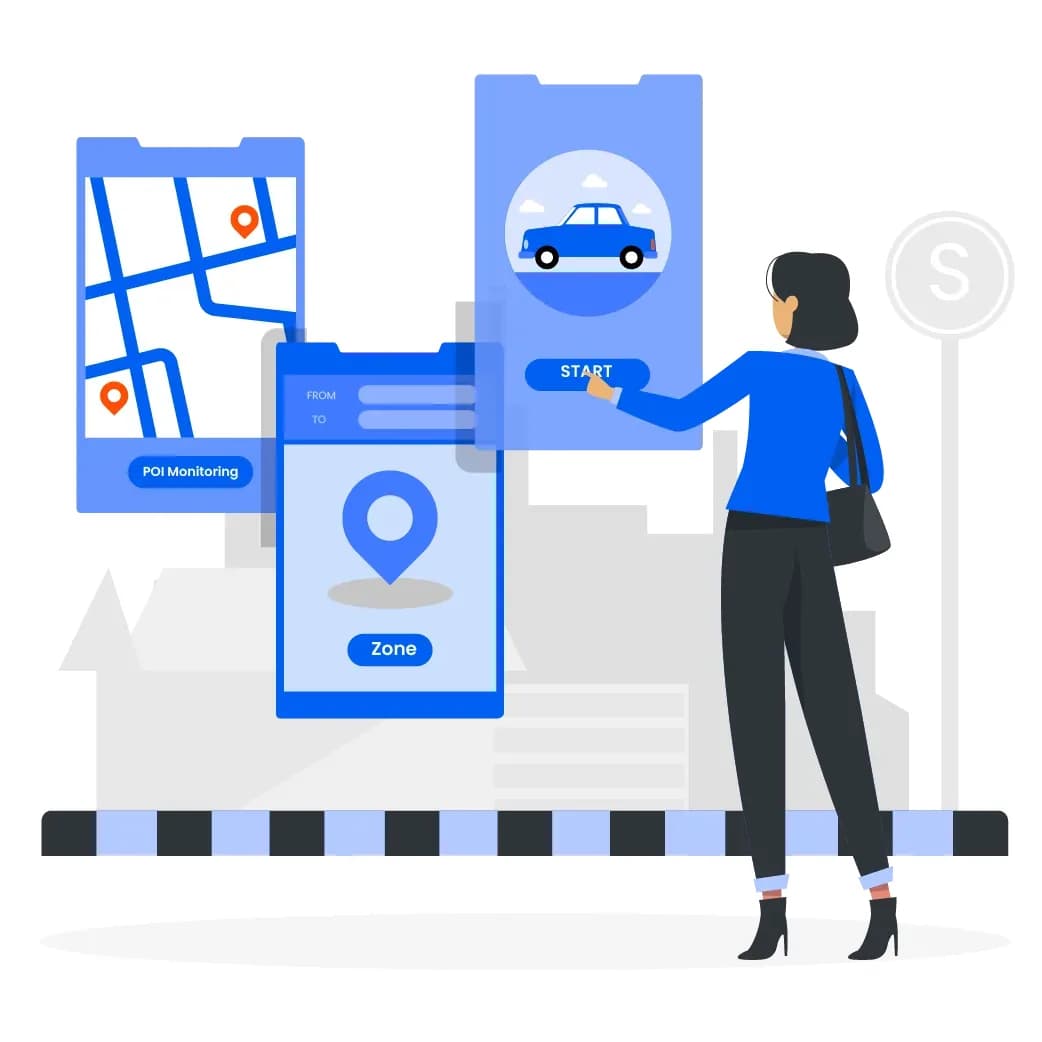
Zone/POI Monitoring in Route Playback
With Points of Interest (POIs) and geofenced zones, route playback in your car tracker provides detailed insights into vehicle movement and location behavior.
It shows:
- Exact entry and exit times for delivery or service zones
- Duration spent at specific points (e.g., warehouses, client sites)
- Missed, unauthorized, or delayed stops
Key Benefits:
- Improves accuracy of delivery and service tracking
- Confirms task completion at the right locations
- Builds customer confidence with reliable location logs
Using this feature, businesses gain better visibility and accountability across every trip.
Monitoring Excessive Idling in Route Playback
With route playback from your GPS car tracker, you can analyze trip data — including speed, route conditions, and idling time — to estimate average fuel cost per journey.
Key Benefits:
- Monitor and improve real-time fuel efficiency
- Detect drivers or routes causing excess fuel use
- Make smarter decisions for training and trip planning
Fuel-Saving Tip: Use playback to spot traffic-heavy areas or frequent stops that increase fuel consumption, and adjust routes accordingly.
Final Thoughts
Route playback isn’t just about reviewing trips — it’s a powerful feature within your car tracker system that turns every journey into actionable insights. Whether you manage a fleet of small or big, tools like driver behavior analysis, toll tracking, POI monitoring, and fuel cost estimation help you shift from guesswork to precision — enabling smarter decisions with greater control and confidence.
Do You Manage a Car Fleet? Here’s Why You Need a GPS Tracker
Whether you manage delivery fleets, corporate transport, or any vehicle-reliant business, maintaining control is critical. GPS trackers were designed for this purpose — and Locator.ae delivers smart, real-time solutions to keep your operations efficient, visible, and fully connected. From vans to trucks, and especially when it comes to cars, having the right tracker for car can make all the difference.
Read More →
Fleet Tracking Software: The Smart Way to Manage Vehicles in Real-Time
Whether you're managing delivery vans, heavy trucks, or service vehicles, staying in control of operations is crucial. Today’s fleet tracking software does far more than just show vehicle locations — it gives you full control of your mobile workforce in real-time.
Read More →
The Tracking Edge – Optimized GPS & Field Tools
Whether you're managing delivery fleets, service vehicles, or mobile field teams, staying in control of operations is key to success. Modern GPS tracking is no longer just about showing vehicle locations — it’s about managing your entire field workflow smarter and faster.
Read More →